









Geotagging is the addition of geographic information in metadata to various media. Although the data typically comprises coordinates (e.g., longitude and latitude), it may also include the place name, administrative boundary delineations, neighbourhood, elevation, distance, and direction.
Geotagging is often used with imagery and can help users obtain precise details about when an image was taken or where a person logging into a website is located.
Technologies like Geotagging are used to identify places, collect information about website location & details, and understand users' interests, such as where they are investing, eating, or travelling, and more.
It works because location coordinates are derived directly from GPS. A few social networking websites offer users the option to geotag their location.
It helps users precisely see where their acquaintances are when logging in. While you tag pictures, the camera can recognise or use them when the image has been uploaded online. Many smartphones have built-in GPS, which enables geotagging of photos taken with the phone's camera.
Geotagging may allow users to search for multiple locations across a broad range of information.
Pictures taken near a given location can be identified by entering the coordinates into a geotagging search engine.
Geotagging-activated information services can easily retrieve location-specific details, websites, or other links.
In this article, we explain the definition of geotagging, what geotagged images are, the geotagging process, geotagging applications, and how to disable geotagging on mobile devices.
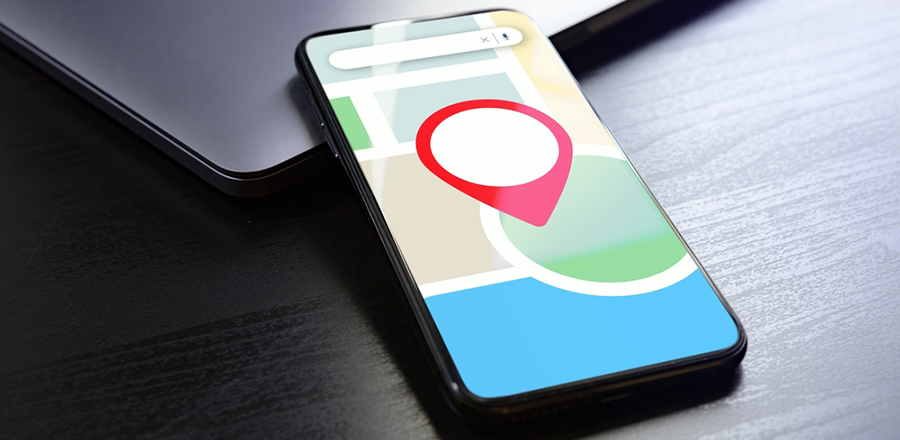 What Is A Geotagged Image?
Geotagging is the process of associating a photo with a geographic location. It is better accomplished by attributing a picture's longitude and latitude, preferably including compass bearing, altitude, and location-related information.
All aspects of a photograph can be linked to a geographical area. However, in most traditional applications, only the photographer's location can be correlated with the entire digital image, whereas it can be used for exploration and tracking.
Regarding geotagging, two individual processes exist: manual and automatic. The automated process enables geotagging of an image with the most straightforward and accurate approach by providing a clear indication of the time of access.
If a geotagged picture is posted to social media groups like Moblog, Flickr, Panoramio, and others, the image can be overlaid on a map to reveal the area where the photo was taken.
It helps users access images from the map, search for photos from a specific location, and correlate photos from multiple people at that location.
Nowadays, most smartphones come with geotagging features where you automatically tag images. However, this feature can be turned off if photographers choose not to disclose their position.
Cell phones may also use GPS to Geotag images captured by an external camera. In addition, geotagged images can be digitally labelled with software tools to obtain accurate GPS positioning data.
The stamped image enables the picture location to be accessed globally on multiple platforms and devices. Also, it ensures the image is automatically retained if metadata is lost or the archive metadata is deleted from the image.
Geotagging Process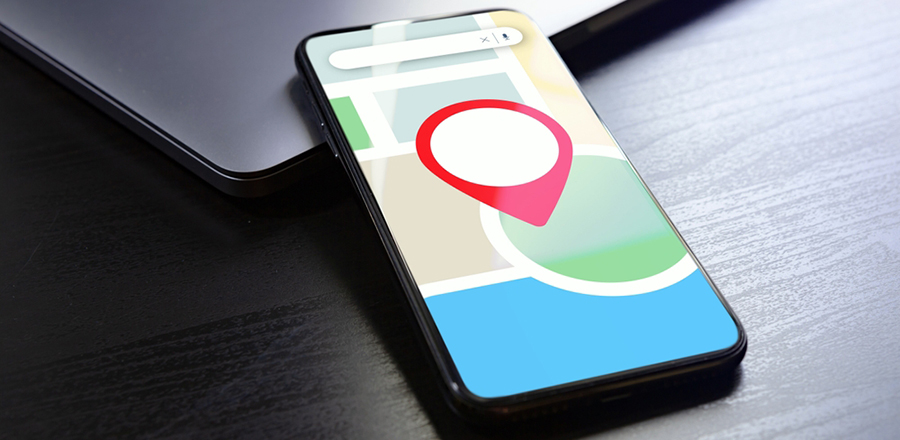
Geotagging is the practice of adding metadata with geographic information to multiple media, including photos, QR codes, RSS feeds, blogs, videos, multimedia messages, and websites.
This is an ideal method of adding location data to online services such as blogs, photos, and videos as geographic metadata. Geotags can also be used in multimedia production and interactions, including social media status updates and tweets.
Moreover, this data typically includes coordinates such as longitude and latitude. Furthermore, it includes precision, distance, bearing, place name, timestamp, and altitude.
As available on many smartphones, geotagging provides detailed information about a location, including images, videos, and metadata such as date and time.
Location information is stored in EXIF metadata alongside data such as the camera type & model, date and time, focal length, ISO, aperture, and shutter speed.
 Geotagging Applications
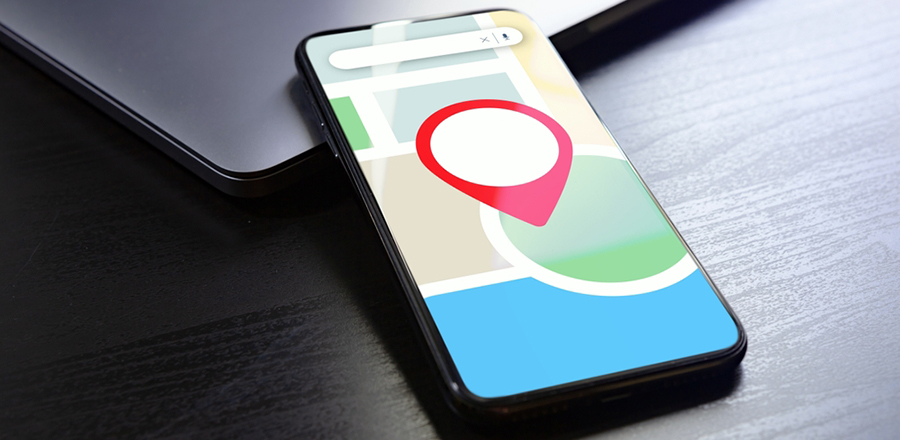
Using the Geotagging feature, you can retrieve exact coordinate information from any location on your devices, such as smartphones, computers, and laptops.
Usually, it works using metadata, such as positioning coordinates, since GPS (global positioning system) is built into your device. Geotagging can help identify locations such as restaurants, stores, and other online resources or websites.
Today, many social media platforms and affiliated providers use geotagging to track users' locations. It allows users to post content by sharing their location data.
It is an incredible approach, whether you are on tour and visit a local restaurant or nightclub in that place; by using geotagging apps, you can easily share some details, including where you have been and what you've learned.
Most recommended geotagging applications are designed to link a location using a mobile camera or a digital capture device to photographs or recordings.
Geotagging may occur after a photo or video is shot or after the images are shared online. In addition, the ever-growing use of mobile devices with embedded GPS will geotag a picture as it is taken.
How To Turn Off Geotagging?
Deactivation relies on your device's settings and the camera app. Unfortunately, there is no accurate solution to this situation either.
We'll show you the two most popular methods for accessing geotagging functionality, which are likely the same techniques you will use for geotagging.
First, open the camera app and touch your Android smartphone's settings. Then, in the settings, you need to scroll down until you find an option for "Geotags."
It can also be a special icon rather than the option of "Geotags." Then, touch the icon and hold it for a second; you'll see a "Disable Geotags" option appear on your screen. Connect it to disable geotagging.
If this isn't working for you, tap the Camera app's Settings, then tap Settings again in the menu.
A window will appear. Touch the Settings icon again and display the "Geotags" option. Then, select "Off" in the prompt to disable Geotagging.
 How To Turn Off Geotagging On Your iPhone?
It's enjoyable and exciting to take pictures with your iPhone or iPad. However, IOS devices can log your actual location when taking images, which is enabled by default.
Using your iPhone camera, your iPhone tracks your location data by default from the photos you take with geotags.
Fortunately, it's straightforward to disable the iPhone's geotagging feature to prevent photos from storing your location data.
For the attempt to hide your data promptly as well as to toggle geotagging off or deactivate it on IOS devices, you have to follow some easy steps below,
Step 1
First, open the Settings app on your iPhone, then tap it to enter. After that, scroll down until you see the "Privacy" setting and tap it.
Step 2
After entering the "Privacy" settings, tap "Location Services".
Step 3
In Location Services, scroll down until you see the "Camera" option.
Step 4
Lastly, tap on the "Disable geotagging" or "Never to Turn OFF Geotagging for Photos completely." This configuration would block Geotags on all videos and pictures captured by your phone camera.
What Is Geotagging?
The process of incorporating location and geographic information into metadata is called geotagging.
Suppose you primarily consider the added data, altitude, longitude, latitude, place names, and distance. In that case, geotagging is used in photographs, allowing people to access the information they want quickly.
How To Turn Off Geotagging On Android?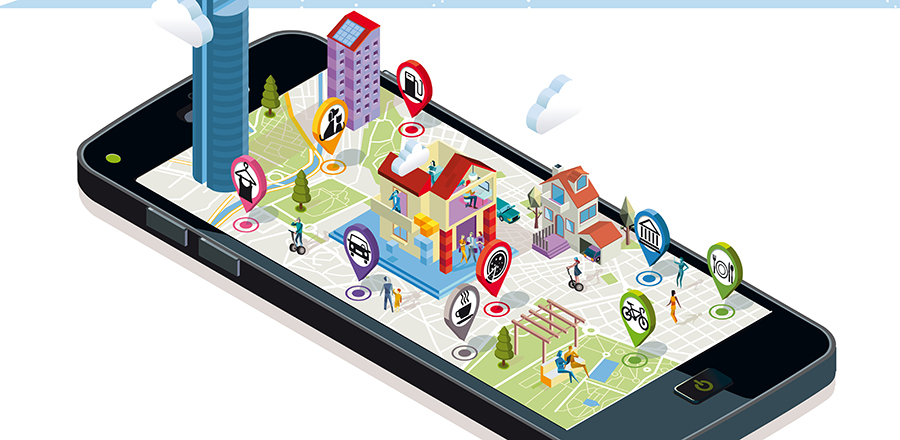
In recent years, technology has evolved with every new feature. But it has some drawbacks, and privacy is one. Unknowingly, we are exposing information about our daily activities publicly.
It has various implications, as someone could easily use the saved online data information against you. Similar is the case with Geotagging.
Most smartphone users are confused about the privacy implications of geotagging. In the camera app, you will see that it automatically detects the location and time of the photo you clicked.
This can compromise your privacy. However, you can easily disable the feature.
To see how to do this, see below: Disabling geotagging on photos varies by phone. Still, here we are, trying to share the steps usually followed on most smartphones.
-
First, open the camera application on your phone
-
Click on the Settings option
-
Scroll through the information until you get to see the Geotags option
-
Then, click on it to select the disable option
After completing the steps above, you can turn off geotagging.
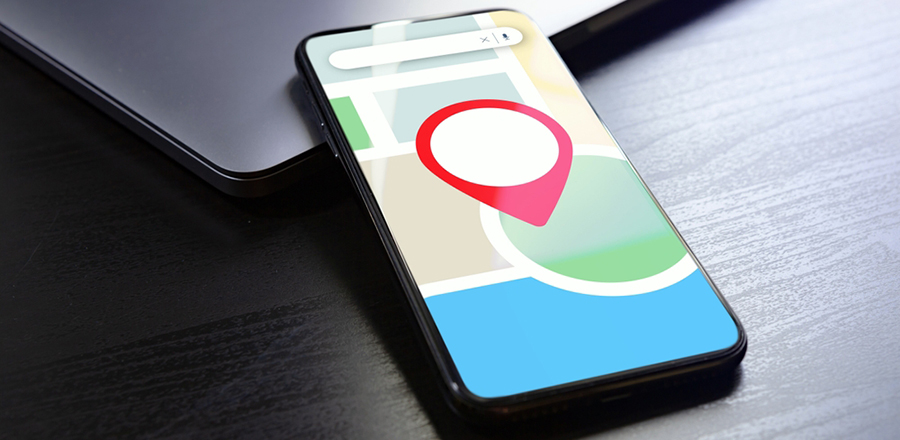 How to Geotag a location?
If you are a photographer or someone who takes many pictures, geotagging is an essential feature for you. As this feature includes the time and place of that particular picture, you can easily keep track of each photograph you click.
Therefore, you can easily take advantage of this feature if you can use it. In case you are unaware of how to geotag a location on your photos, follow the simple steps given below:-
-
Go to your device's home screen, locate the menu button, and click on it.
-
Now, tap on the Settings option.
-
From the list of options, please choose the location tab and press it.
-
Now, you will get the "Use GPS satellites" option.
-
Mark it green to enable geotagging, then tap the camera icon to launch the camera app.
-
After loading the camera, click the menu tab and select settings.
-
Now locate the "Geotags Photos" or "Store Location in Pictures" option and press OK to save the changes.
Finally, you can enable geotags on photos. Therefore, follow these simple steps to complete the task.
How Does Geotagging Work?
We have already discussed what geotagging means. It is one of the most advanced GPS tools that helps track your photos and other clicks on your device.
If you are wondering how it is useful, you can save time when posting pictures on social media, as it automatically tracks location and adds tags.
You do not have to add the location tag separately. Even photos with Geotags are relatively easy to search: enter the location name, and photos with that tag will appear on the screen.
Additionally, professional photographers make extensive use of these Geotags. When you take a picture with a digital camera, it not only captures the image; it also records metadata such as time, location, orientation, and focal length. Realtors or businesses can use this feature to share the location and photos of the site/place, or neighbourhood with their clients.
 Why Is Geotagging Important?
Geotagging has several benefits. It provides details about a specific location, so if you are new to a place, you can search for nearby restaurants or shops.
However, here are some benefits of using the geotagging feature.
Enhance SEO
We require more information about the location whenever we look for products or services or plan a tour. Therefore, when promoting your products, users are more likely to come because they know the location.
Consumer Intelligence
With geotagging, you can quickly identify which parts of the area generate more business for a given product, so you can target a market by analysing customer behaviour, choices, age groups, and income levels. Besides, you can soon learn different consumers' purchasing behaviour, which will help you improve your business accordingly.
Easy Process
There is a process called social geotagging. It involves adding photos of the specific location that anyone on the internet can easily view to provide a detailed description of that area.
Although geotagging offers other advantages, the three listed are the primary ones. Hence, you can check to know why it is essential to use the Geotags feature.
What Is Geotagging On Instagram?
Geotags are used for various purposes. Similarly, you can use social media like Instagram to expand your business reach.
If you have an Instagram store, adding photos with Geotags will show every image's location. Hence, you can expand your brand to more audiences. If you run a travel business, you can use the feature to share the tour plan and location with clients and plan accordingly.
Another benefit of adding geotags on Instagram is that your photos are displayed more quickly. Whenever a user clicks on the same location as yours, your photos appear on the screen.
Moreover, researching accurate data helps to increase your views and followers. You can also increase your brand's visibility by adding Geotags correctly. Hence, you can easily use Geotags on Instagram to take your business to a different level.
Conclusion: -
The information above provides a detailed overview of how geotagging works. Social media platforms also use geotags to provide a better service.
The feature has several essential aspects that are useful for professional use. Moreover, you can have an idea about the places you go. Geotagging can provide a lot of information about a person (their favourite restaurants, shops, habits, and more).
It can clarify confusion by producing a new communication element based solely on location information. You can use geotagged data for various purposes, such as tracking customer information.
They also help you improve customer interactions, deliver better service, and provide regular updates to clients to enhance retention. If you want to disable it, the content above can help.