








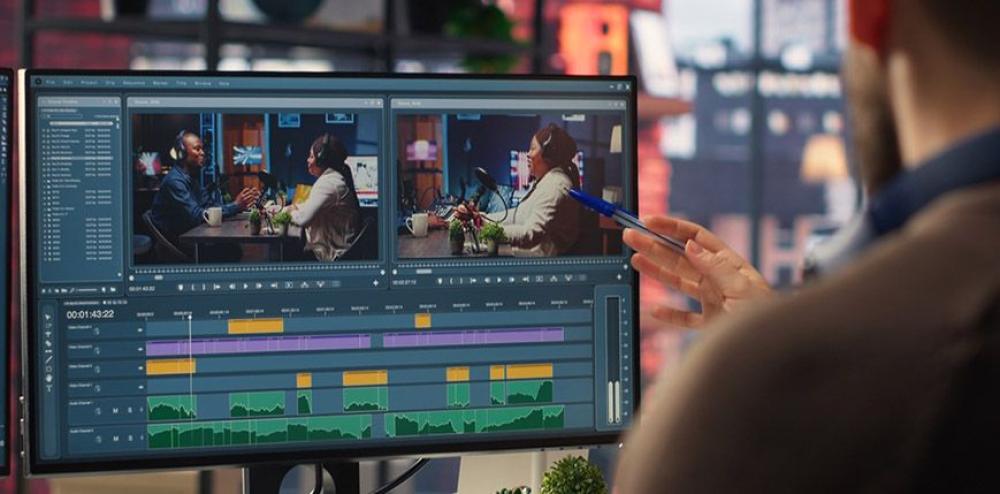
Adding captions is usually the easy part. What's frustrating is what happens next: trim a clip, delete a pause, reorder a section, and captions that were perfectly timed a minute ago are suddenly sitting half a second off, or attached to the wrong line entirely.
Most workflows treat captions as a one-time pass, generate them once, then manually nudge every single one back into place after any further edit.
That re-syncing work is what actually eats the time, not the initial captioning.
Here's how to add subtitles that stay synced to what's actually being said, even as you keep cutting.
Why captions usually fall out of sync after editing
Traditional caption workflows generate captions once and lock them to fixed timestamps, this caption appears at 1:04.2 and disappears at 1:07.8. That works fine until the edit underneath it changes.
Trim two seconds out of an earlier clip, and every caption after that point is now sitting in the wrong place, since they were never actually tied to the speech itself, just to a timecode that assumed the edit would never change.
That's the real problem: captions timed to a timestamp break the moment the timeline shifts, and a video that gets trimmed, reordered, or tightened more than once means re-syncing captions more than once too.
Captions that follow the speech instead of a fixed timestamp
The fix is tying a caption to the actual words being spoken rather than a specific moment on the timeline. If a caption is linked to "this word, spoken by this person, right here," it doesn't matter where that moment ends up after a trim or a reorder, the caption moves with it automatically.
That's a fundamentally different relationship between captions and the edit. Instead of captions being a separate layer that has to be manually reconciled with the video every time something changes, they stay attached to the content they're actually describing.
What Invideo Editor adds: captions that update as you keep cutting
Invideo Editor lets you edit video with AI with captions generated automatically and kept synced to what's being said, choose a style, edit the caption text directly, and the captions update as you keep cutting, rather than needing a manual re-sync pass after every trim.
You can also direct an agent to clean up and caption a whole project in one pass, generating and syncing captions across the entire edit rather than reviewing each one individually as you go.
The manual timeline is free to use even if you never touch captioning or agent-directed work at all, so styling and fine-tuning captions by hand stays available the whole time.
What to check after adding captions
It's worth reviewing captions specifically for names, technical terms, and anything unusual, automatic captioning is generally strong on everyday speech and less reliable on specific proper nouns or jargon it hasn't encountered before.
It's also worth checking caption placement against the frame itself, a caption style that reads fine on one shot can end up covering an important visual element on a different one, especially after reordering or trimming changes what's actually in frame at that moment.
This matters more than it might seem, since a caption sitting over a face, a product, or an on-screen graphic reads as a genuine production mistake to a viewer, even when the underlying transcription is perfectly accurate. A quick pass through the finished edit specifically checking where captions land, not just what they say, catches this before it ships.
Common problems when adding synced subtitles
Trusting automatic captions on technical or unfamiliar terminology without a review pass is a common issue, names, brand terms, and specialized vocabulary are the most likely place for an automatic caption to get something wrong.
Choosing a caption style early and never revisiting it is a related problem, a style chosen before a lot of trimming and reordering happened may not fit the pacing or framing of the video once it's closer to finished.
Assuming synced captions mean zero review is needed at all is the last common gap, staying synced to speech solves the timing problem specifically, it doesn't guarantee every word was transcribed correctly.
Common mistakes when adding subtitles to a video
Trusting automatic captioning on names and technical terms without checking them. These are the most common source of caption errors.
Locking in a caption style too early and never revisiting it after further edits. A style chosen before heavy trimming may not fit the finished pacing.
Assuming synced timing means the transcription itself needs no review. Staying in sync and being word-for-word accurate are two separate things.
Ignoring how captions sit against the visual frame. A style that works on one shot can obscure something important on another.
FAQ
Do Captions Really Stay Synced Automatically After I Trim A Clip?
Yes, when captions are tied to the actual speech rather than a fixed timestamp, they move with the content automatically rather than needing a manual re-sync every time the timeline changes.
Can I Edit the Caption Text Directly If It Gets Something Wrong?
Yes. Captions can be edited directly, and the timing stays synced to the correct moment in the speech even after the text itself is changed.
Does Adding Captions Require Reviewing Every Single One Manually?
Not for timing, since that stays synced automatically. It's still worth a review pass specifically for names, technical terms, and anything the automatic transcription might have gotten wrong.
Can Captioning Be Applied Across A Whole Project at Once Instead of Clip By Clip?
Yes. You can direct an agent to generate and sync captions across an entire project in one pass, rather than adding and checking them section by section as you edit.